Get Started
Mobile App
Overview
Erogen installs on your phone like a normal app - no app store required. It takes about fifteen seconds: open erogen.ai in your browser, add it to your home screen, and you get a full-screen app with its own icon. Under the hood it is a Progressive Web App (PWA): lightweight, fast, always up to date, and private - nothing appears in any app store history.
iOS
On iPhone or iPad, open Safari and go to erogen.ai, then:
1. Tap the Share button at the bottom of the screen.
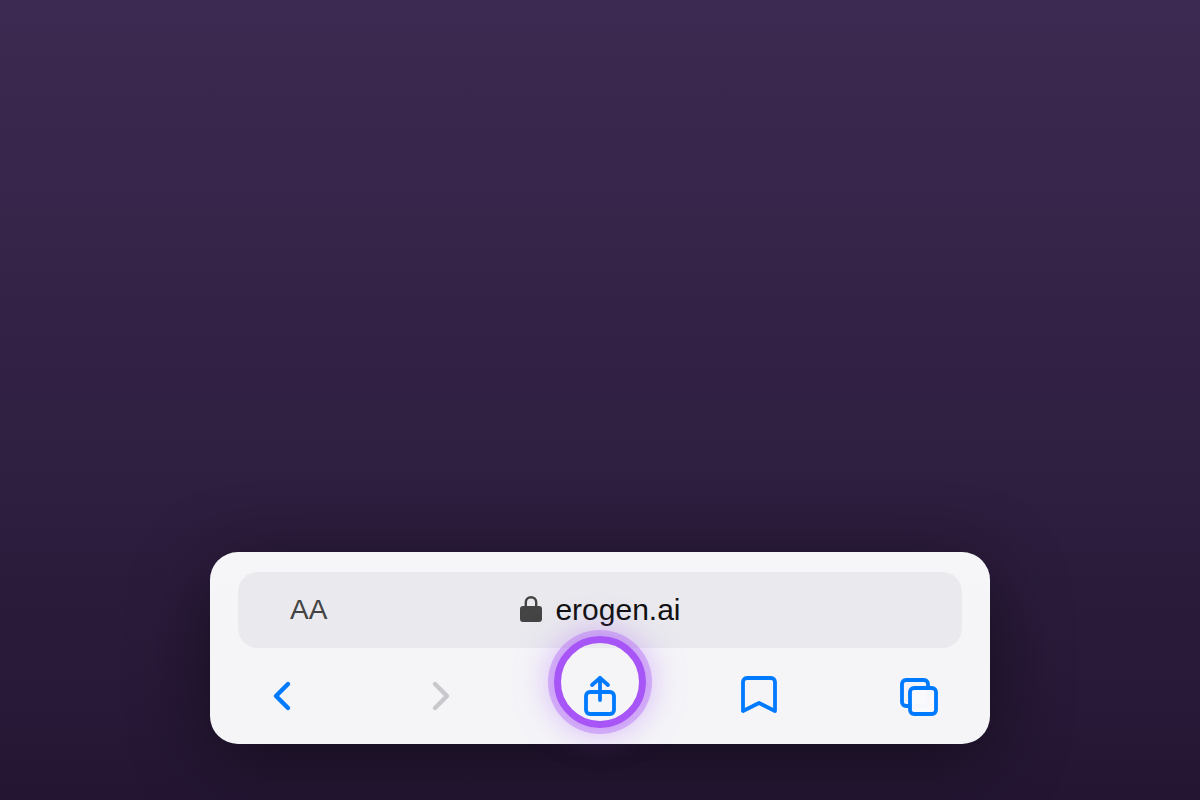
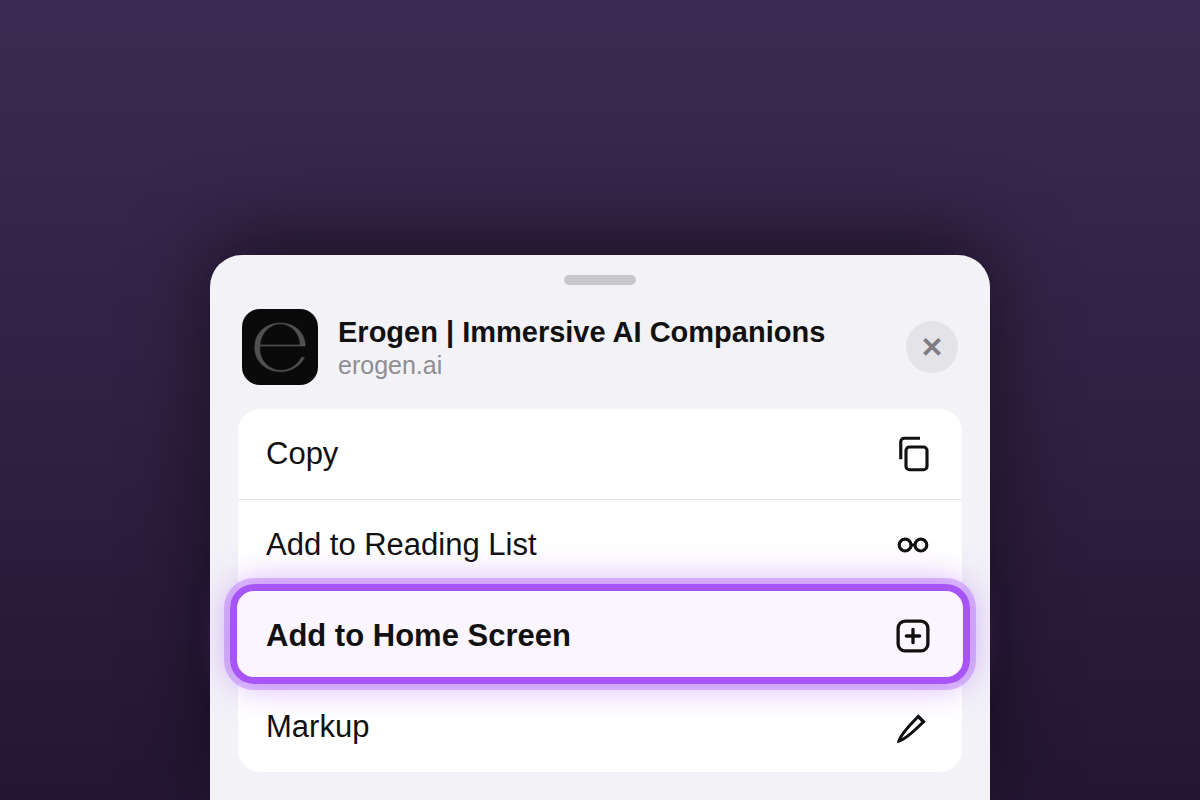
2. Scroll down the share sheet and tap "Add to Home Screen".
3. Tap "Add" in the top-right corner.
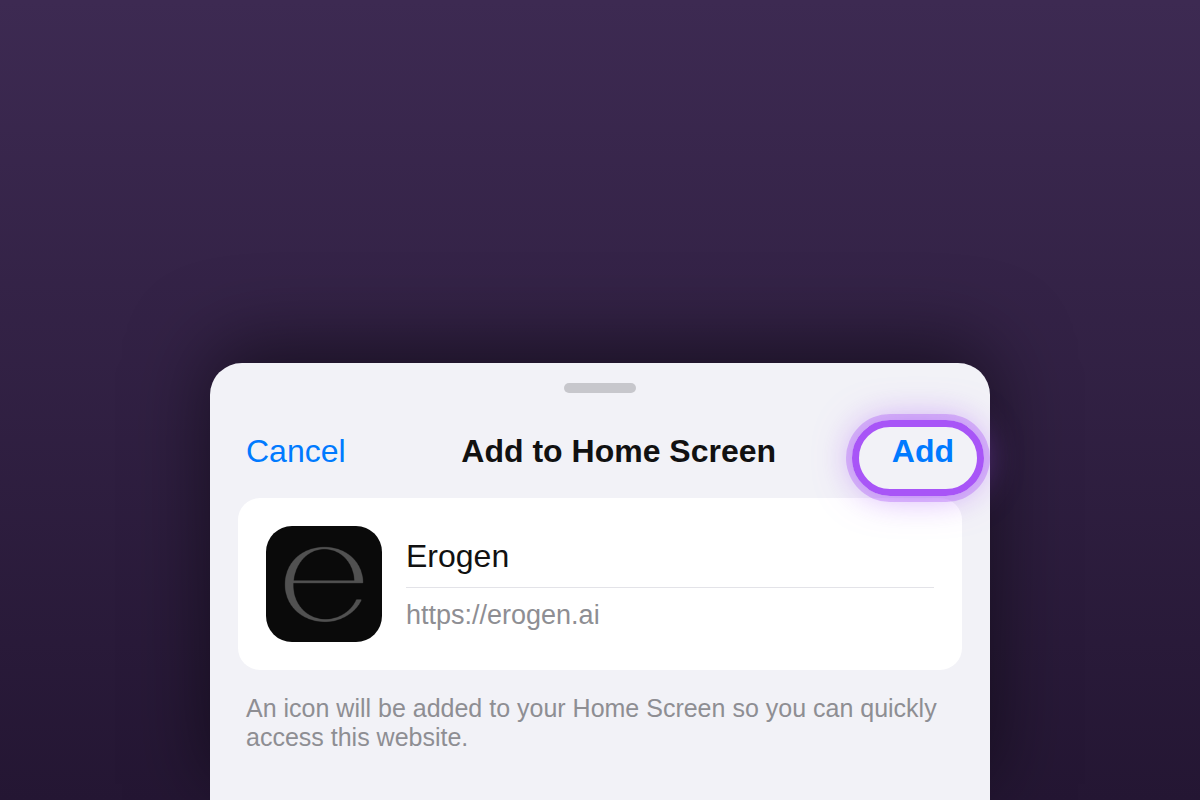
That's it - Erogen now sits on your home screen like a regular app.
Android
On Android, open Chrome and go to erogen.ai, then:
1. Tap the menu icon (three vertical dots) in the top-right corner.
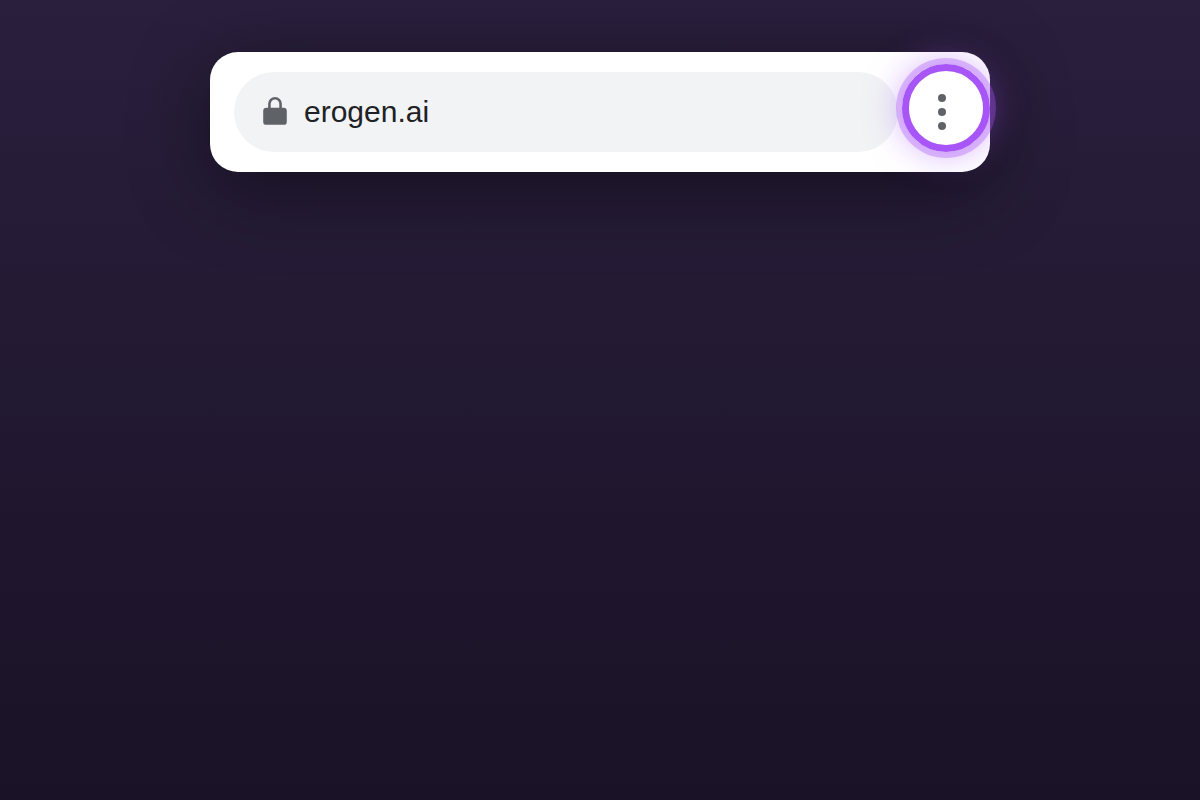
2. Select "Add to Home screen" (some phones label it "Install app").
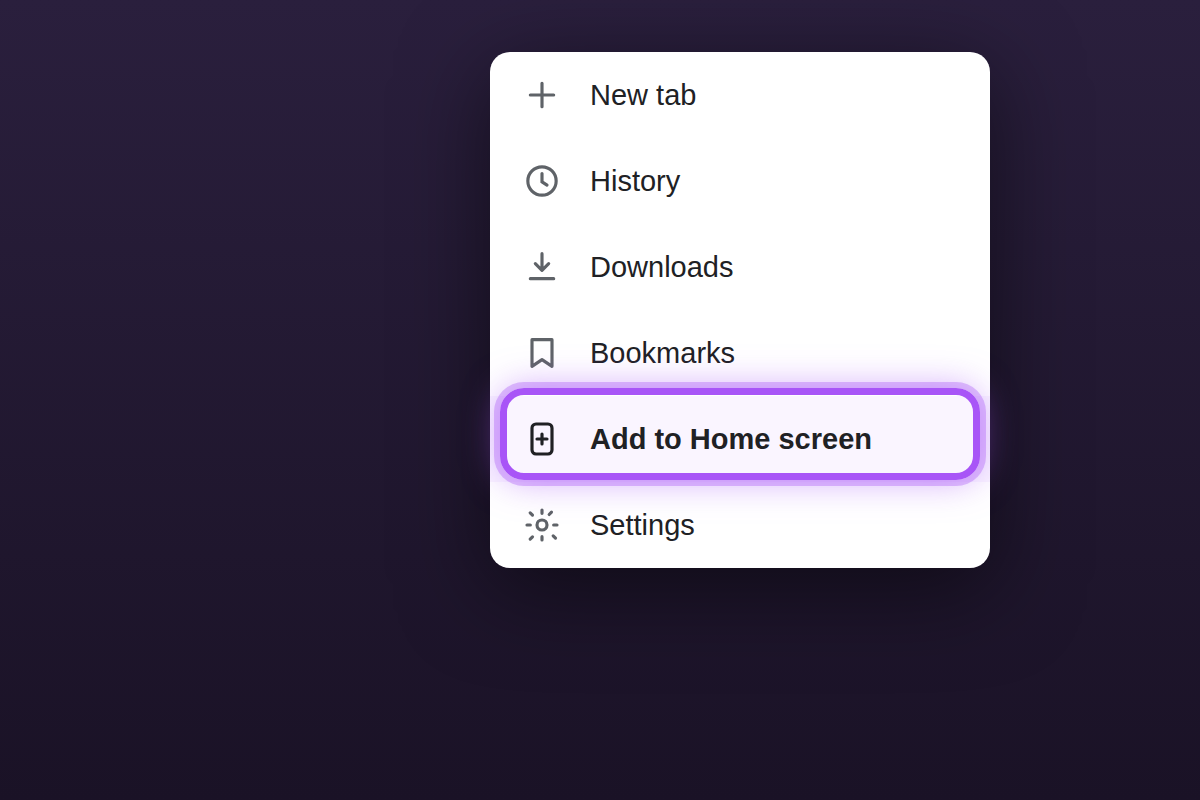
3. Tap "Add" in the prompt that appears.
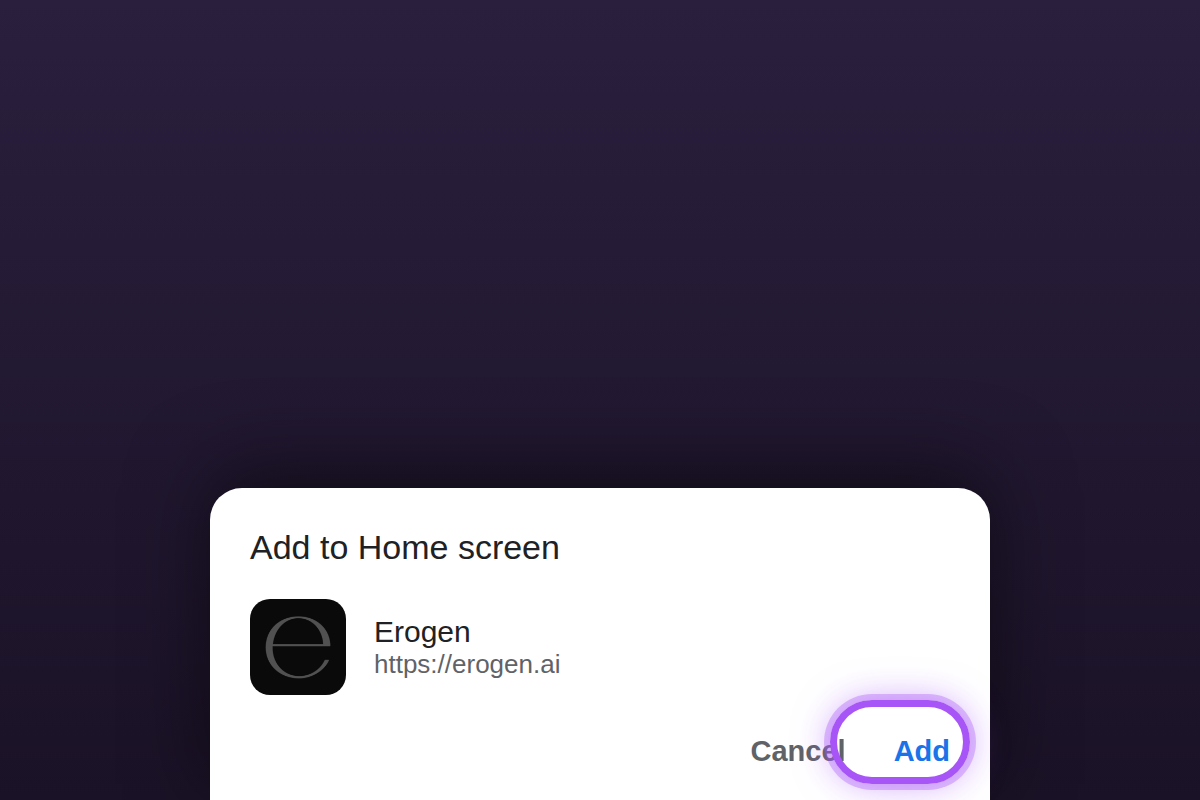
Erogen now appears on your home screen like a regular app, with quick full-screen access to your companions. On other Android browsers (Samsung Internet, Firefox), look for "Install" or "Add to Home screen" in the browser menu.